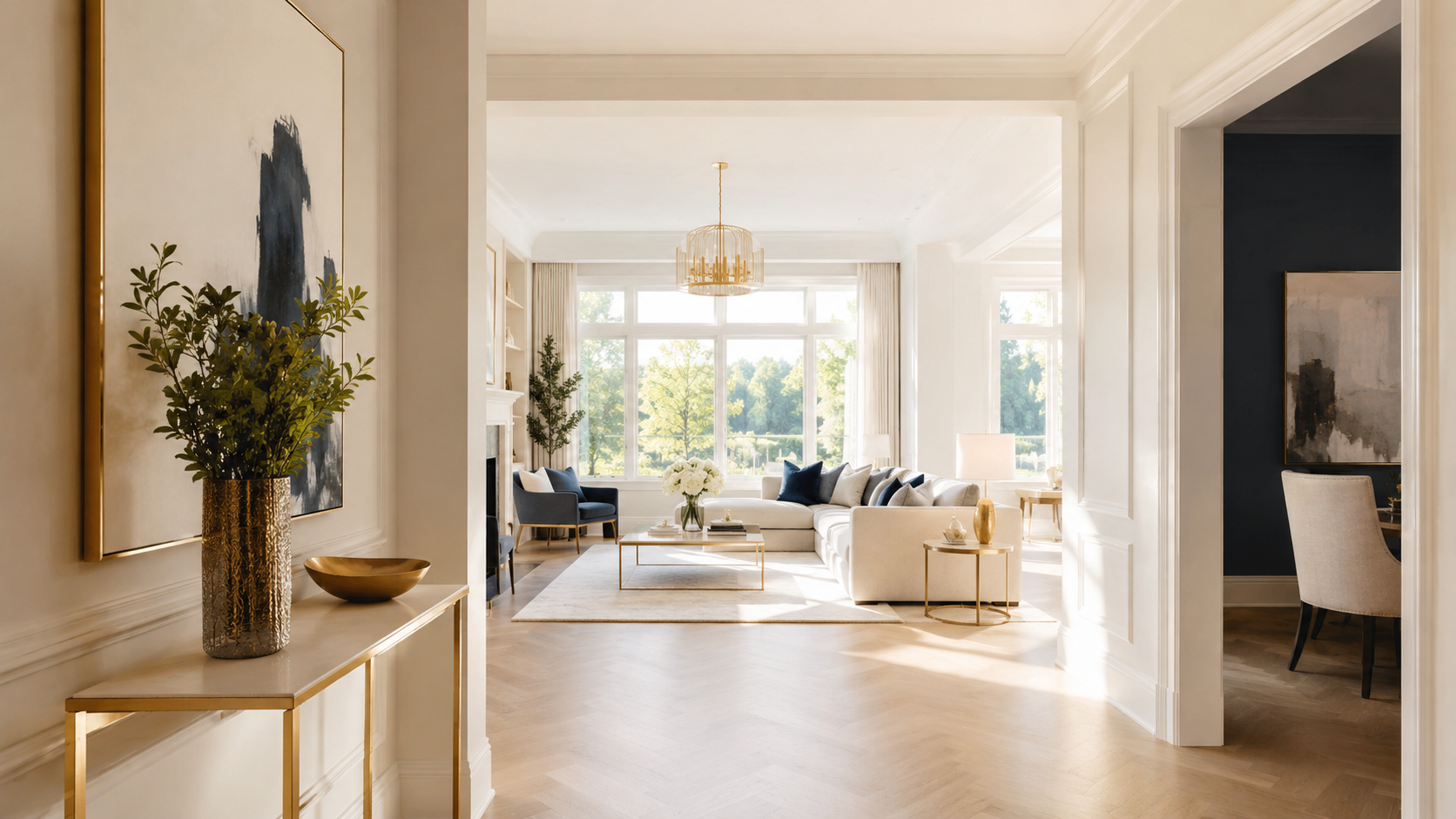
How it works
From a plain description to a published listing.
Astra runs one brief through three stages — describe, stage, tour — and hands back a complete Listing Kit you can post the same day.
Stage one · Describe
Answer a few questions about the space.
Astra opens with a single prompt: What space are we getting list-ready? Fill in as much or as little as you like. It returns a structured listing brief that drives every image and the tour that follows.
- Property type
- Studio, one-bed, family house, short-stay
- Purpose
- Renting, selling or short-stay
- Current state
- Empty, dated furniture, or cluttered
- Standout features
- Light, balcony, near a park
- Target audience
- Young professionals, families, guests
- Tone
- Cosy, upscale or minimal
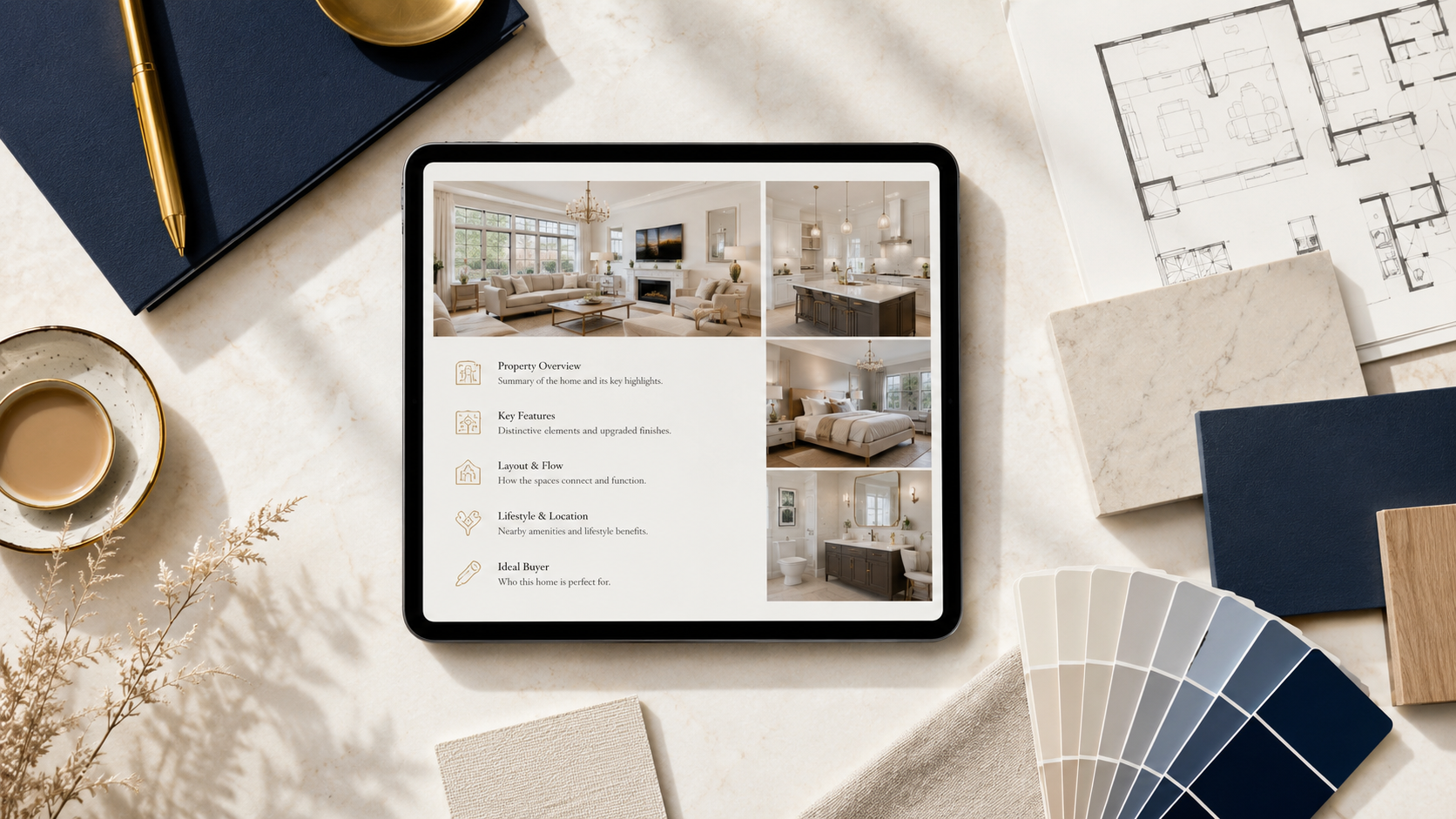
Real briefs people bring to Astra:
1“Empty 1-bed flat, want it to look furnished and warm for rental photos, target young professionals, budget vibe not luxury.”
2“Selling my old family home, dated furniture, need a fresh listing description and staged living-room shots that feel bright and neutral.”
3“Short-stay studio, need a punchy listing headline, a gallery that looks cosy at dusk, and a 15-second tour clip for social.”
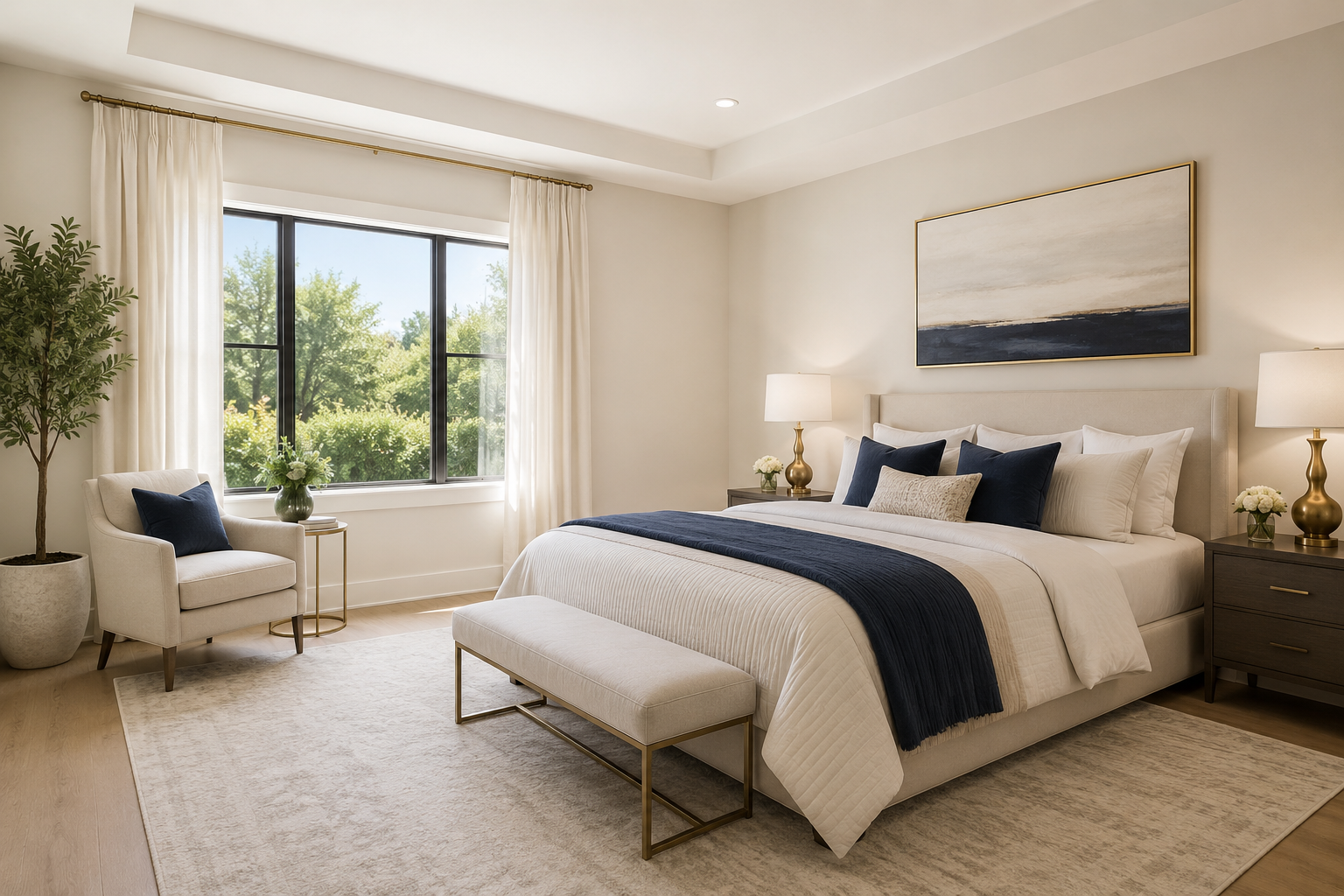 Virtually staged
Stage two · Stage
See the space list-ready.
Astra keeps the room’s structure — walls, windows and floor — and adds believable furniture, light and styling across six coordinated image sets. Adjust the style, audience tone or lighting and regenerate until it feels right. Every staged image is labelled Virtually staged so you can disclose it honestly.
- Virtual staging
- Declutter & refresh
- Hero & gallery
- Twilight & bright
- Feature callouts
- Social cards
Stage three · Tour & export
Publish a tour, export the kit.
Turn the gallery into a short space tour or a day-to-dusk mood switch, then export everything as one Listing Kit — copy, images, video and the staging disclosure — ready for portals and social.
- Listing headline and feature bullets
- Full description draft you can edit
- Room-by-room staging plan
- Hero image plus a coordinated gallery
- Declutter, twilight and bright-light variants
- Feature callout images
- Social listing cards (square and vertical)
- Short space tour reel (16:9 and 9:16)
- Virtually staged disclosure baked in